
- 100% free
- Up to 25% cashback
- Discounts and vouchers
- 825+ partner shops
- 132,000+ registered users
Get cashback with the free Rabattcorner add-on
Never miss out on cashback again with Rabattcorner’s automatic cashback reminder for desktop browsers.
Have you ever been annoyed because you realized after making an online purchase that you could have earned cashback? With our Rabattcorner add-on, that’s no longer a problem! Would you like to benefit from the add-on on your iPhone too? Find out here how to activate the free Rabattcorner add-on for Safari.
The add-on reminds you to activate cashback with a discreet notification whenever you are connected to an online shop.
The add-on for desktop browsers is available for Chrome, Safari, and Firefox. You can easily download and install it from the corresponding web store.
Step-by-step instructions for the Rabattcorner add-on
- Download the free Rabattcorner add-on from Rabattcorner in your browser’s extension store.
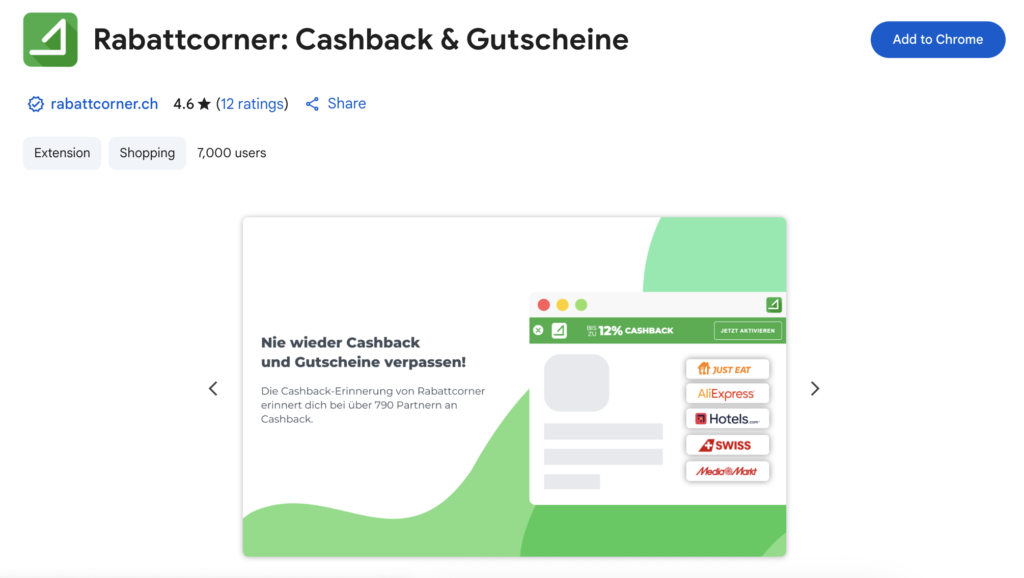
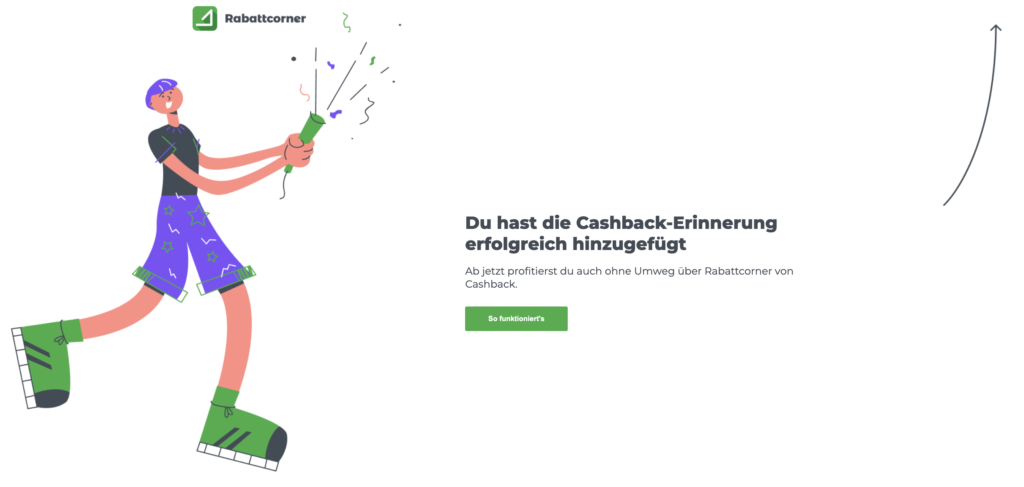
- Once you have downloaded it, you can pin it to the top right of your browser under Extensions.
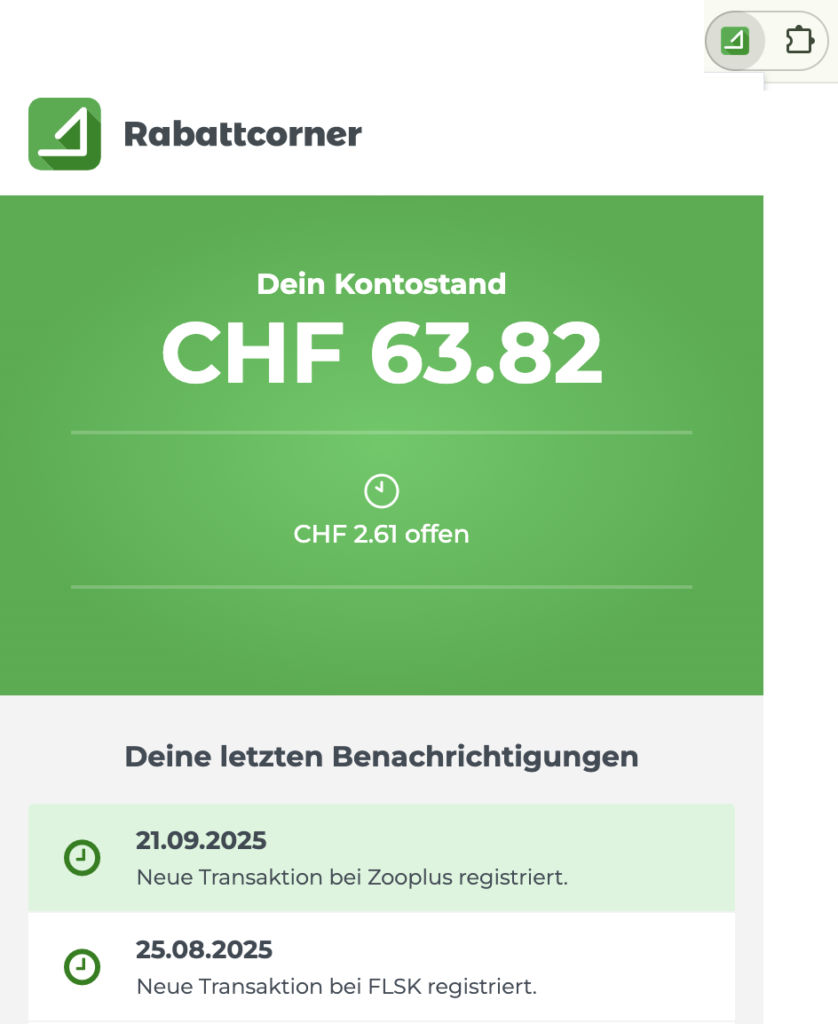
- When you click on it, a window will pop up where you can log in right away. This allows you to keep an eye on your account balance and recent transactions at all times, no matter where you are on the internet.
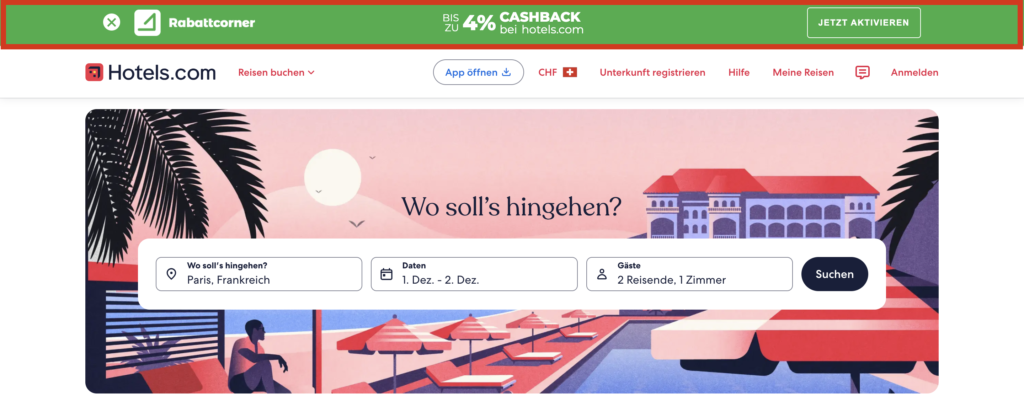
- When you visit a partner site, the Rabattcorner add-on pops up at the top of your window and you can activate the cashback with a single click.
- Once cashback is activated, you can shop as usual and the cashback will be credited to your Rabattcorner account.

Activate cashback with one click
With the add-on, you can activate cashback directly with over 790 Rabattcorner partners. Click on “Login” to go to Rabattcorner. If you are already logged in, you don’t need to take any detours and can simply click on “Activate cashback.”
Do you have any questions?
How does the Rabattcorner add-on benefit me?
The Rabattcorner add-on for browsers reminds you to activate cashback on our partner shops' websites. This allows you to shop directly on the partner site and ensures you don't miss out on cashback from a shop you didn't know was on Rabattcorner.
Does the Rabattcorner add-on cost anything?
Like everything else at Rabattcorner, the automatic add-on is completely free!
Why wasn't my order tracked even though I installed the add-on?
The same applies to the Rabattcorner add-on as to purchases via Rabattcorner: no ad blockers may be activated. In addition, all cookies must be active on the respective page and the remaining settings for optimal tracking must also be observed.
Is the add-on also available for mobile devices?
Our Rabattcorner add-on is also available for Safari on mobile devices. Instructions for installing the Safari add-on can be found here.
If you use a browser other than Safari, you can simply download the Rabattcorner app for Apple or Android. There you will find all our partners clearly listed in one place!
How can I get more information?
If you have any further questions or comments about the add-on, please feel free to contact us at any time!